> ## Documentation Index
> Fetch the complete documentation index at: https://developers.zite.com/llms.txt
> Use this file to discover all available pages before exploring further.
# Zite Database REST API
> Read and manage your Zite databases, tables, and records over a REST API.
The Zite Database API gives you programmatic access to your databases, tables, fields, and records — the
same data your apps use. Base URL:
```text theme={null}
https://tables.zite.com/api/v1
```
If your workspace uses a custom deployment, use the base URL shown in your API dashboard instead.
Prefer a client library? Use the [JavaScript SDK](/api/sdk). For value shapes, see [Field types](/api/field-types).
## Authentication
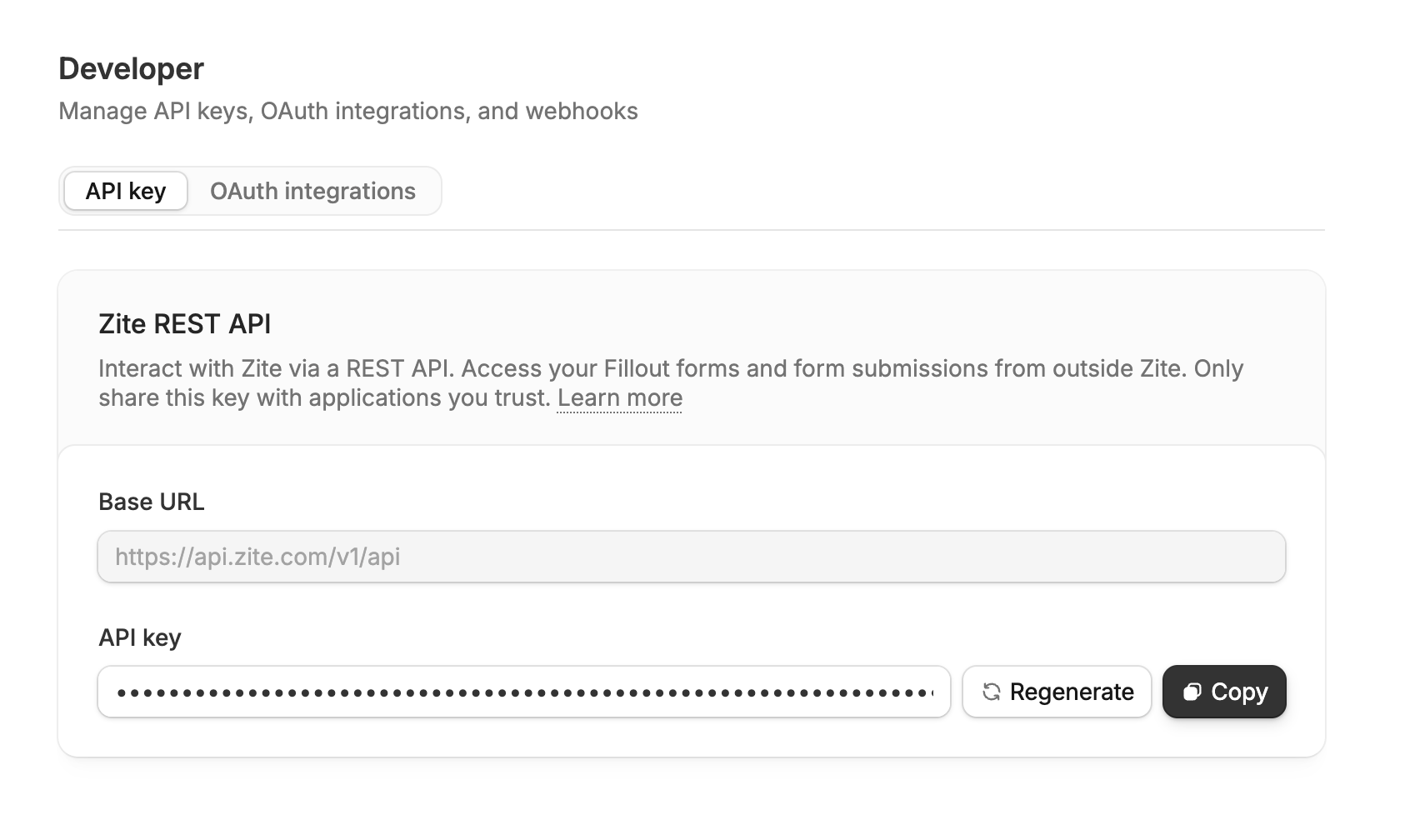
Generate an API key in the [Developer settings](https://app.zite.com/home/settings/developer) (revoke or
regenerate any time), and send it as a Bearer token:
```bash theme={null}
Authorization: Bearer
```
The same API key works across all Zite REST APIs, including the [Build API](/build-api/overview).
 ## Finding database & table IDs
Open a database in the [dashboard](https://app.zite.com); the IDs are in the URL:
```text theme={null}
app.zite.com/database/{databaseId}/{tableId}/...
```
For example, in `app.zite.com/database/67ef4d500c50cce9/t7nUTgYUjzF/vkuDPV6ZqBb` the database ID is
`67ef4d500c50cce9` and the table ID is `t7nUTgYUjzF`.
Accessing a database embedded in a Zite app? Open the database on its own and use that URL, not the editor URL.
## Rate limits
30 requests/second per database; responses carry `RateLimit-*` headers. Contact
[support@zite.com](mailto:support@zite.com) to raise it.
## Errors
All errors return `{ "error": { "code", "message" } }`:
| Code | Meaning |
| ----------------------- | ------------------------------------------ |
| `INVALID_RECORD_ID` | Record ID is not a valid UUID |
| `NOT_FOUND` | Resource doesn't exist |
| `BAD_REQUEST` | Invalid request data or validation failure |
| `UNAUTHORIZED` | Invalid or missing API key |
| `NOT_IMPLEMENTED` | Feature not yet implemented |
| `INTERNAL_SERVER_ERROR` | Server-side error |
## Finding database & table IDs
Open a database in the [dashboard](https://app.zite.com); the IDs are in the URL:
```text theme={null}
app.zite.com/database/{databaseId}/{tableId}/...
```
For example, in `app.zite.com/database/67ef4d500c50cce9/t7nUTgYUjzF/vkuDPV6ZqBb` the database ID is
`67ef4d500c50cce9` and the table ID is `t7nUTgYUjzF`.
Accessing a database embedded in a Zite app? Open the database on its own and use that URL, not the editor URL.
## Rate limits
30 requests/second per database; responses carry `RateLimit-*` headers. Contact
[support@zite.com](mailto:support@zite.com) to raise it.
## Errors
All errors return `{ "error": { "code", "message" } }`:
| Code | Meaning |
| ----------------------- | ------------------------------------------ |
| `INVALID_RECORD_ID` | Record ID is not a valid UUID |
| `NOT_FOUND` | Resource doesn't exist |
| `BAD_REQUEST` | Invalid request data or validation failure |
| `UNAUTHORIZED` | Invalid or missing API key |
| `NOT_IMPLEMENTED` | Feature not yet implemented |
| `INTERNAL_SERVER_ERROR` | Server-side error |